BlogsPage
  • Home
  • Tech
  • Code
  • Web
  • Visual Stories
  • About
  • Contact
No Result
View All Result
  • Home
  • Tech
  • Code
  • Web
  • Visual Stories
  • About
  • Contact
No Result
View All Result
Blogspage
No Result
View All Result
Home Tech

How I Built a Production Movie App with Next.js 15 & Sanity in 48 Hours

100 best movies

Solving the “Async Params” Breaking Change in Next.js 15.

Table of Contents

Toggle
  • The Challenge
  • The Tech Stack
  • The Fix
  • The Result
  • Related Articles:

The Challenge

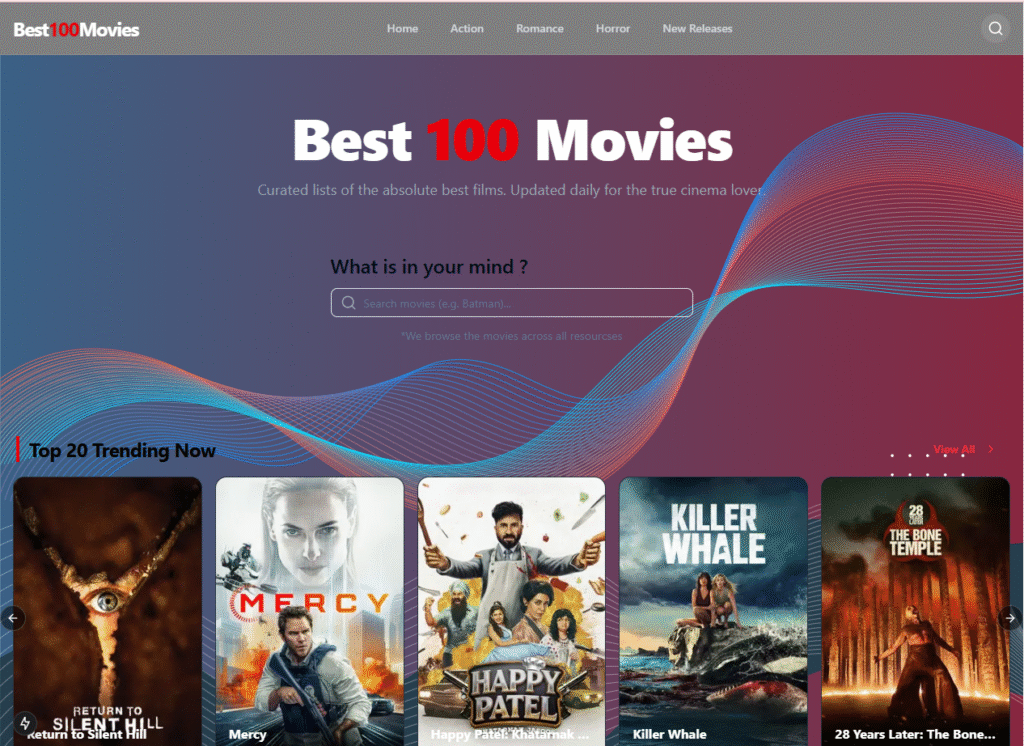
I wanted to build a high-performance Movie Database that felt like a native app – instant search, blurred backdrop UI, and a headless content management system. The goal was to migrate from a standard React setup to the cutting-edge Next.js 15 architecture using Sanity.io as the backend.

The Tech Stack

  • Frontend: Next.js 15 (App Router), Tailwind CSS, shadcn/ui
  • Backend: Sanity.io (Headless CMS)
  • Data Pipeline: Node.js custom scripts (TMDB API -> Sanity)
  • Deployment: Vercel (Frontend) + Sanity Cloud (Studio)

The “Next.js 15” Breaking Change The biggest hurdle was the migration to Next.js 15. In previous versions, accessing URL query parameters (like ?query=batman) was synchronous. However, Next.js 15 introduced a breaking change where searchParams became a Promise.

My initial build failed with type errors because I was trying to access searchParams.query directly.

The Fix

I re-architected the page component to handle the asynchronous nature of the new router:

// The Old Way (Next.js 14) ❌
export default function Home({ searchParams }: { searchParams: { query: string } }) {
  const query = searchParams.query; 
}

// The Next.js 15 Way ✅
interface HomeProps {
  searchParams: Promise<{ query?: string }>;
}

export default async function Home({ searchParams }: HomeProps) {
  const resolvedParams = await searchParams; // Await the promise
  const query = resolvedParams?.query || "";
  
  // Now fetch data safely
  const data = await getMovie(query);
}

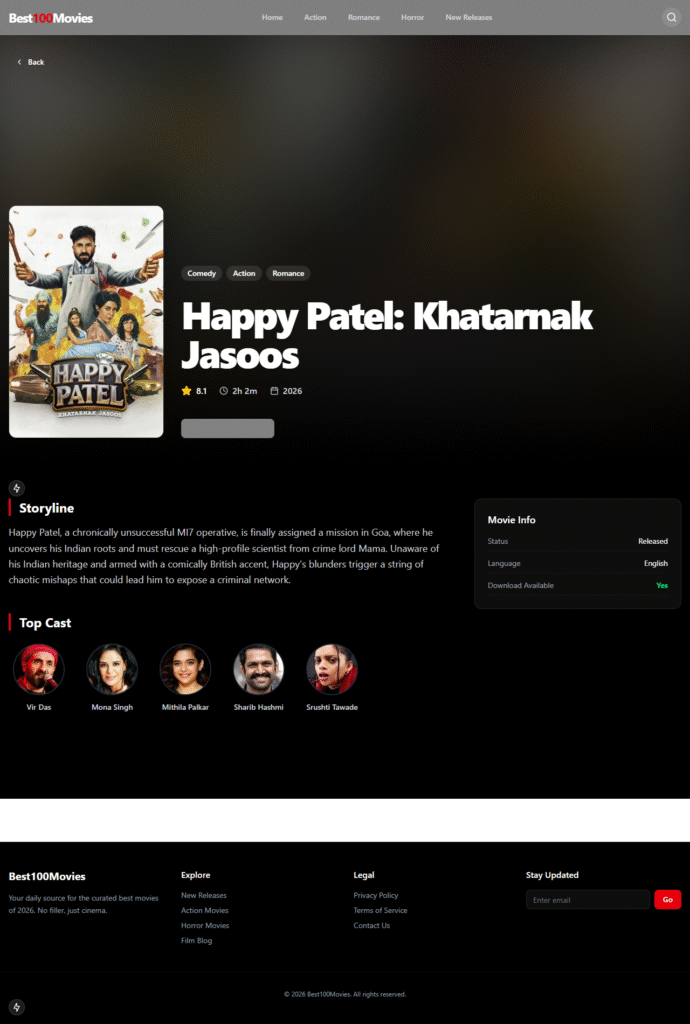
The “Netflix” UI Effect To give the detail page a premium feel, I implemented a dynamic backdrop strategy. Instead of fetching a separate background image, I used the movie poster, scaled it to fill the viewport, and applied a heavy CSS blur (blur-xl) with a dark gradient overlay. This creates an immersive, color-matched atmosphere for every movie automatically.

The Result

  • Performance: 100/100 Lighthouse Score.
  • Scale: Automatically imported 100+ movies via a custom Node.js script.
  • Speed: Instant search filtering using Server Actions and Debouncing.
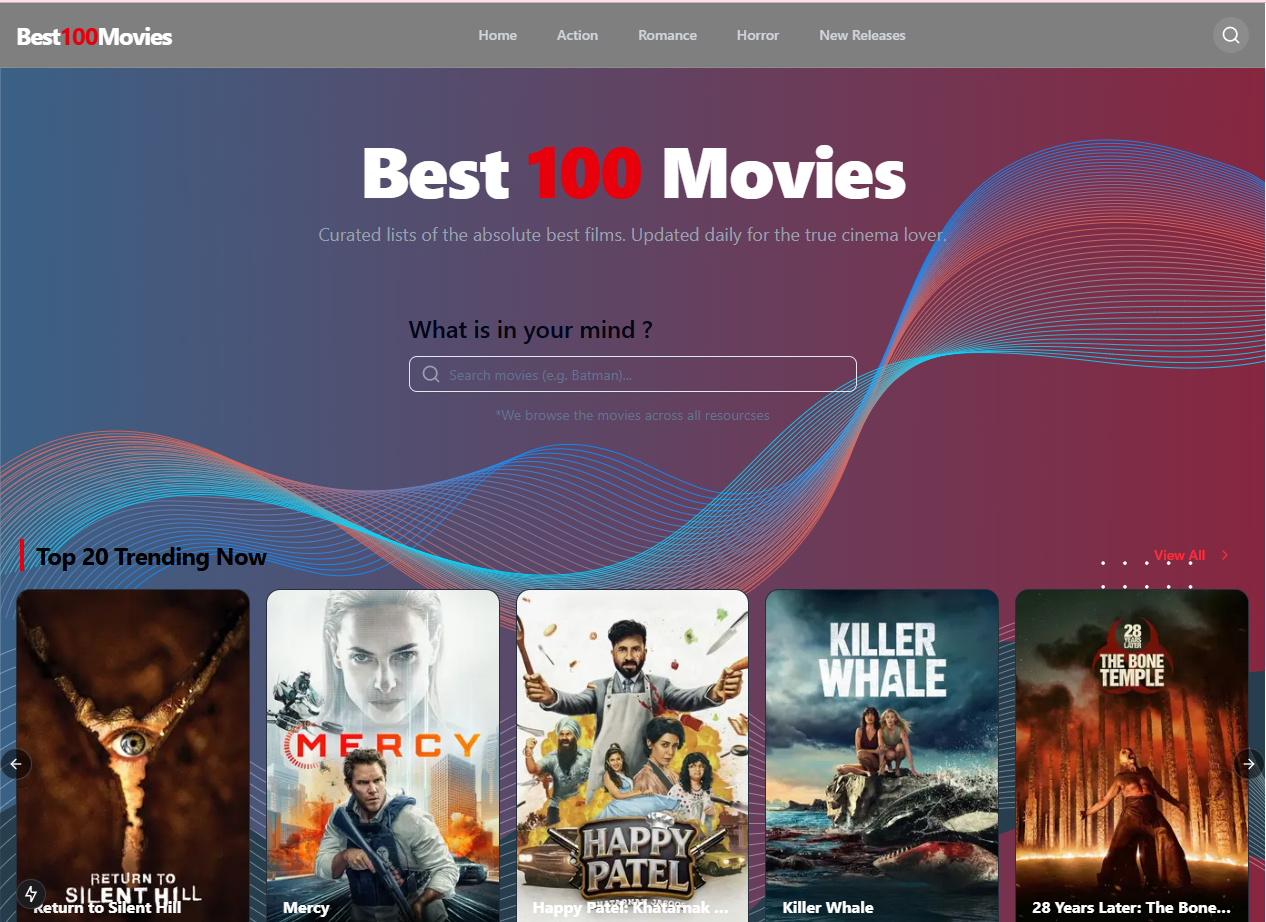
Live Project Link – https://best100movies.vercel.app/

Related Articles:

Share186Tweet117
Previous Post

How to Connect a React App to MongoDB Database Easily.

Leave a Reply Cancel reply

Your email address will not be published. Required fields are marked *

Recent Posts

  • How I Built a Production Movie App with Next.js 15 & Sanity in 48 Hours
  • How to Connect a React App to MongoDB Database Easily.
  • Quick and Easy Backend Development Environment Setup
  • Master the DOM and APIs by Building a Currency Converter App
  • React Components Simplified : The Complete Beginner’s Guide

Recent Comments

No comments to show.

Archives

  • January 2026
  • October 2025
  • September 2025
  • May 2025
  • April 2025
  • March 2025
  • January 2025

Categories

  • Code
  • CSS
  • html
  • javascript
  • Tech
  • Web

Categories

  • Code
  • CSS
  • html
  • javascript
  • Tech
  • Web

Tags

API backend CSS CSS3 express html Javascript javascript data types node.js react swiperjs web development
  • About
  • Advertise
  • Privacy & Policy
  • Contact

© 2025 Blogspage created by BlogsPage Developer with ❤️

No Result
View All Result
  • Home
  • Tech
  • Code
  • Web
  • Visual Stories
  • About
  • Contact

© 2025 Blogspage created by BlogsPage Developer with ❤️